▼ In This Article
7 Key Features Every Venue and Event Management System Needs
Whether you are scheduling Sunday services and midweek ministries, coordinating a full season of mainstage productions, or managing shared community spaces across a park district, the same operational headache appears everywhere: too many requests, too many spreadsheets, and not enough visibility.
A modern venue and event management system solves this by bringing scheduling, contracts, client relationships, reporting, and security into one connected platform. Below are the seven features that matter most and why each one is essential regardless of the space you manage.
1. Booking and Calendar Management
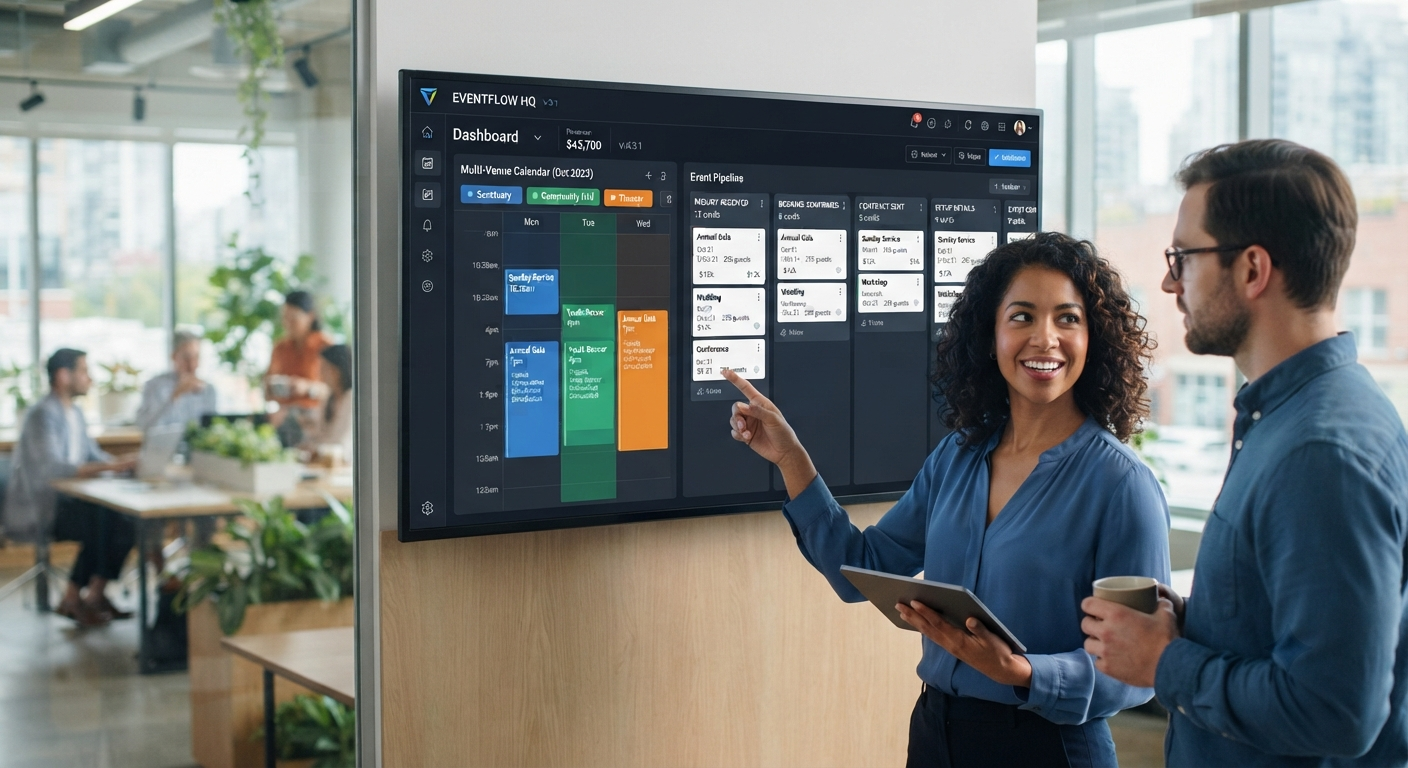
Your calendar is the heartbeat of your venue. Strong booking and calendar management gives your team a live shared view of every space, every date, and every recurring event so double-bookings and last-minute scrambles become far less common.
What to look for:
- Real-time availability across rooms, sanctuaries, stages, fields, courts, and facilities
- Support for recurring bookings such as worship services, rehearsal blocks, and league schedules
- Hold, reschedule, and cancellation workflows
- Day, week, month, and multi-venue calendar views
For organizations juggling multiple spaces and stakeholders, this source of truth eliminates long email threads and call chains just to confirm one date.
2. Event Management
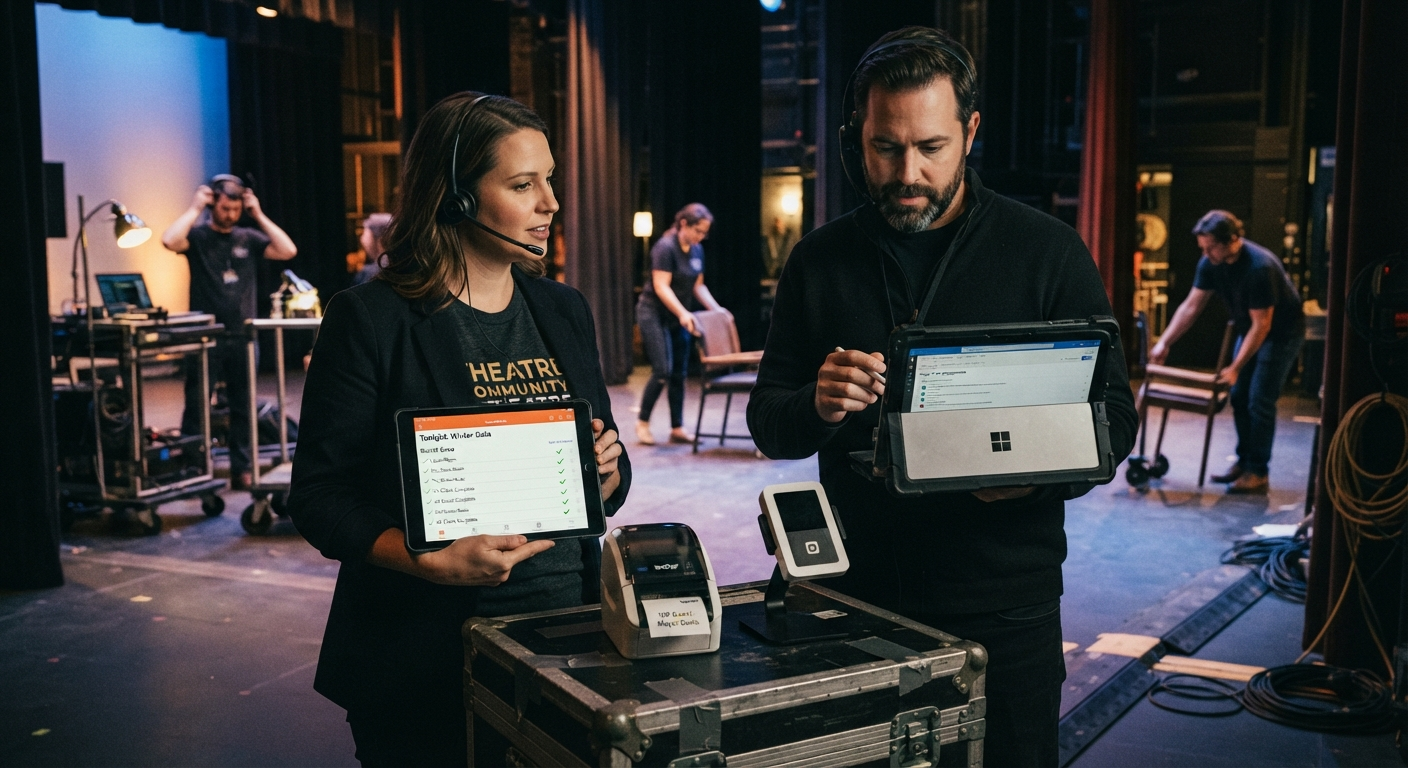
Booking a date is only the starting point. Event management features carry that booking through setup requirements, staffing, run-of-show details, and day-of execution so nothing falls through the cracks between confirmation and delivery.
What to look for:
- Centralized event records with setup notes, equipment needs, and staffing assignments
- Task and checklist tracking for coordinators
- Change logs so teams see updates in real time
- Support for multi-day events and recurring series
3. Contracts and Agreements
Manually drafting rental agreements or facility-use terms for every booking wastes time and creates avoidable risk. Built-in contract workflows let you generate, send, and track agreements directly from the booking itself.
What to look for:
- Template-based agreement generation by event type or space type
- E-signature tracking and status visibility
- Auto-filled booking details in agreement documents
- Centralized storage so signed files are never buried in inboxes
If your team manages external rentals, this capability is typically non-negotiable.
4. CRM for Members and Clients
Every venue team manages relationships: congregation members, community organizers, league admins, instructors, vendors, and renters. A built-in CRM keeps booking history and communication tied to the right person or organization.
What to look for:
- Unified contact and organization records
- Booking and communication history in one timeline
- Segmentation for recurring vs one-time users
- Notes and preferences that carry across events
For cross-functional teams, this removes dependency on disconnected contact spreadsheets.
5. Reporting and Settlements
You cannot improve what you cannot measure. Reporting and settlement capabilities convert booking and financial activity into actionable insight: utilization trends, revenue by space, open balances, and post-event reconciliation.
What to look for:
- Utilization and occupancy reporting by location, date range, and group
- Settlement and reconciliation workflows
- Exportable summaries for board and leadership reporting
- Historical data for budget planning
6. Integrations
Your venue management platform should not operate in a silo. Integrations connect booking workflows with the systems your organization already relies on.
What to look for:
- APIs or connectors for finance and ticketing tools
- Payment integrations for deposits and rental charges
- Calendar sync with existing staff tools
- Flexibility to expand integrations as your stack grows
This is especially important for teams already running on Microsoft 365 and other established systems.
7. Security and Azure Governance
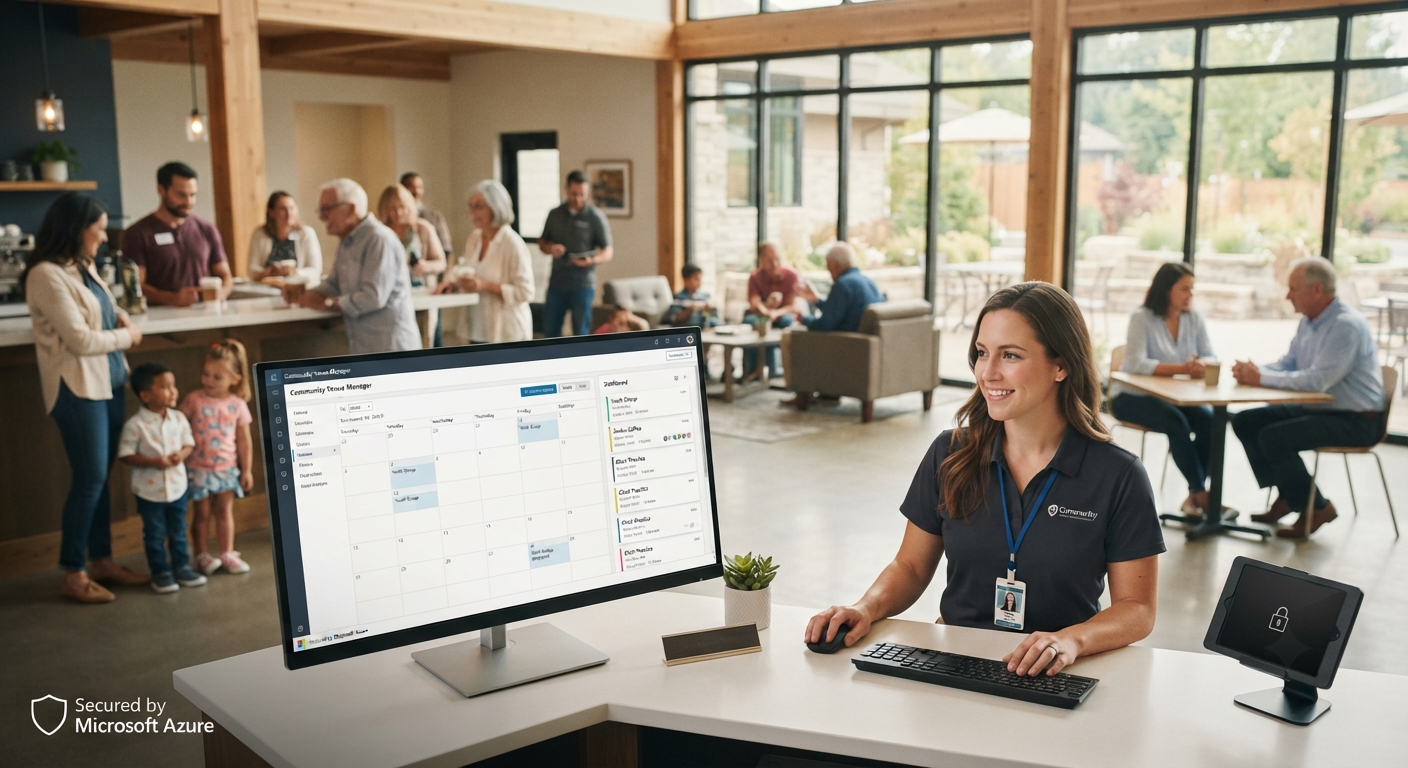
Venue and event data includes contracts, payment records, and client information. That data needs enterprise-grade protection. A solution built on Azure provides stronger security, governance, and operational reliability without requiring a large internal IT team.
What to look for:
- Role-based access and permission controls
- Encryption and secure cloud data handling
- Auditability for accountability and compliance
- Reliable uptime and disaster recovery posture
Choosing the Right System for Your Venue
Not every organization needs every capability on day one, but the strongest platforms are designed to scale with you. Most teams start with booking and calendar management, then expand into event management, contracts and agreements, and reporting as operations mature.
If your current process depends on disconnected tools, this is usually the right time to evaluate a unified system.
Ready to see a practical workflow in action? Request a demo or contact the VenueArc team.
Want technology done right?
Get a free assessment from an Inc. 5000 Microsoft Solutions Partner.
Get Free Assessment ->