venue management
Facilities Scheduling Software: How to End Double-Bookings for Good
Learn how facilities scheduling software prevents double bookings, approval conflicts, scheduling chaos, and costly venue operations mistakes.
IN THIS ARTICLE
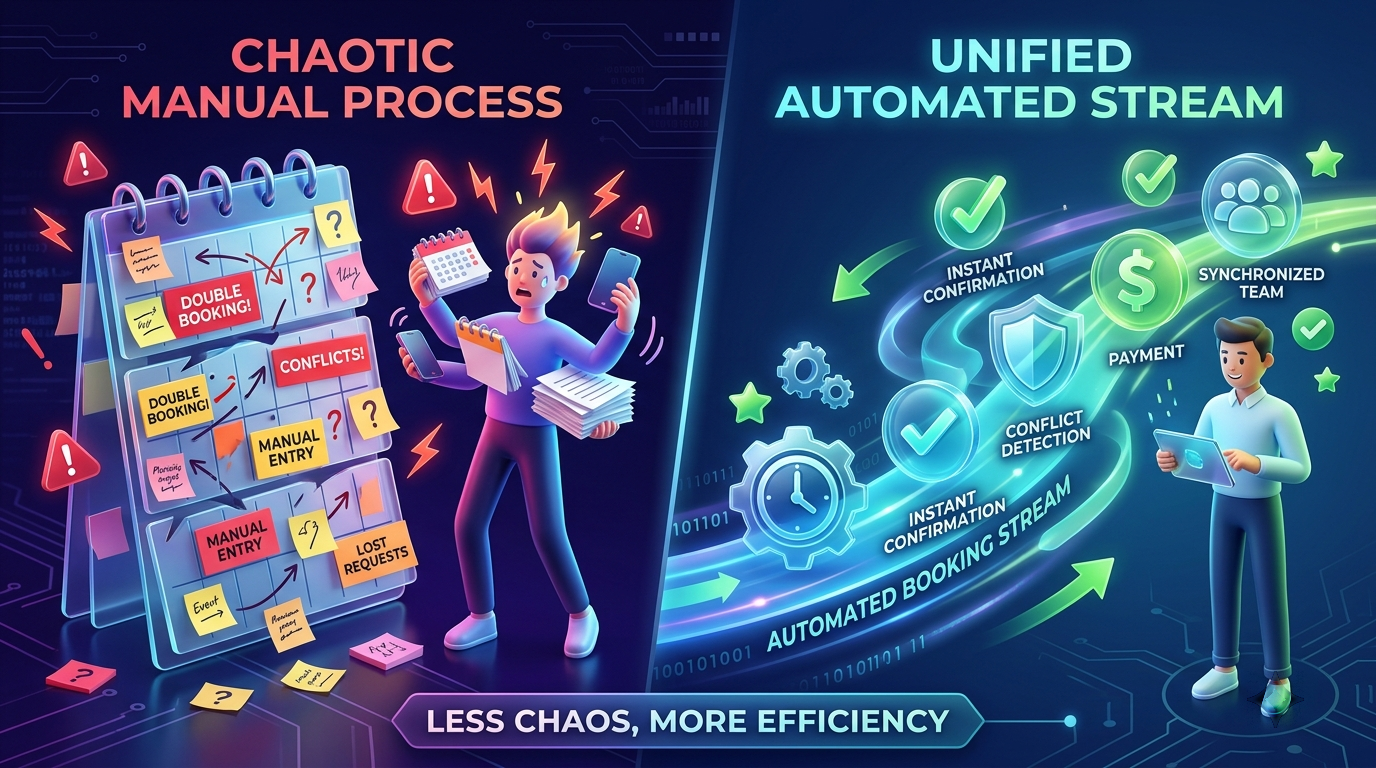
Facilities scheduling software prevents double bookings by giving every venue team a single source of truth for availability, approvals, booking status, and event history. If your organization manages multiple rooms, fields, stages, or facilities, double bookings are rarely caused by one person’s mistake.
This guide is written for houses of worship, community theatres, park districts, and community venues that have already experienced scheduling conflicts and want to prevent them from happening again.
Within the first stages of building a scheduling strategy, venue operators should also understand how facility scheduling fits into broader facility reservation operations.
What causes most double bookings?
Double bookings occur when two people make decisions based on different versions of availability.
A request arrives by phone, email, text message, or hallway conversation. One staff member checks a spreadsheet. Another checks a calendar. Someone assumes availability. A promise is made before approval, contract review, or verification occurs.
The result becomes:
- Refunds
- Angry renters
- Volunteer confusion
- Staff overtime
- Event setup changes
- Reputational damage
A common real-world example
A church receives a request to rent the fellowship hall for a Tuesday evening banquet.
At the same time:
- A ministry team plans a volunteer appreciation dinner.
- Facilities staff reserve the room for maintenance setup.
- An administrator informally tells an outside group the space is available.
No one has intentionally made a mistake. Three different people simply worked from three different information sources.
What is facilities scheduling software?
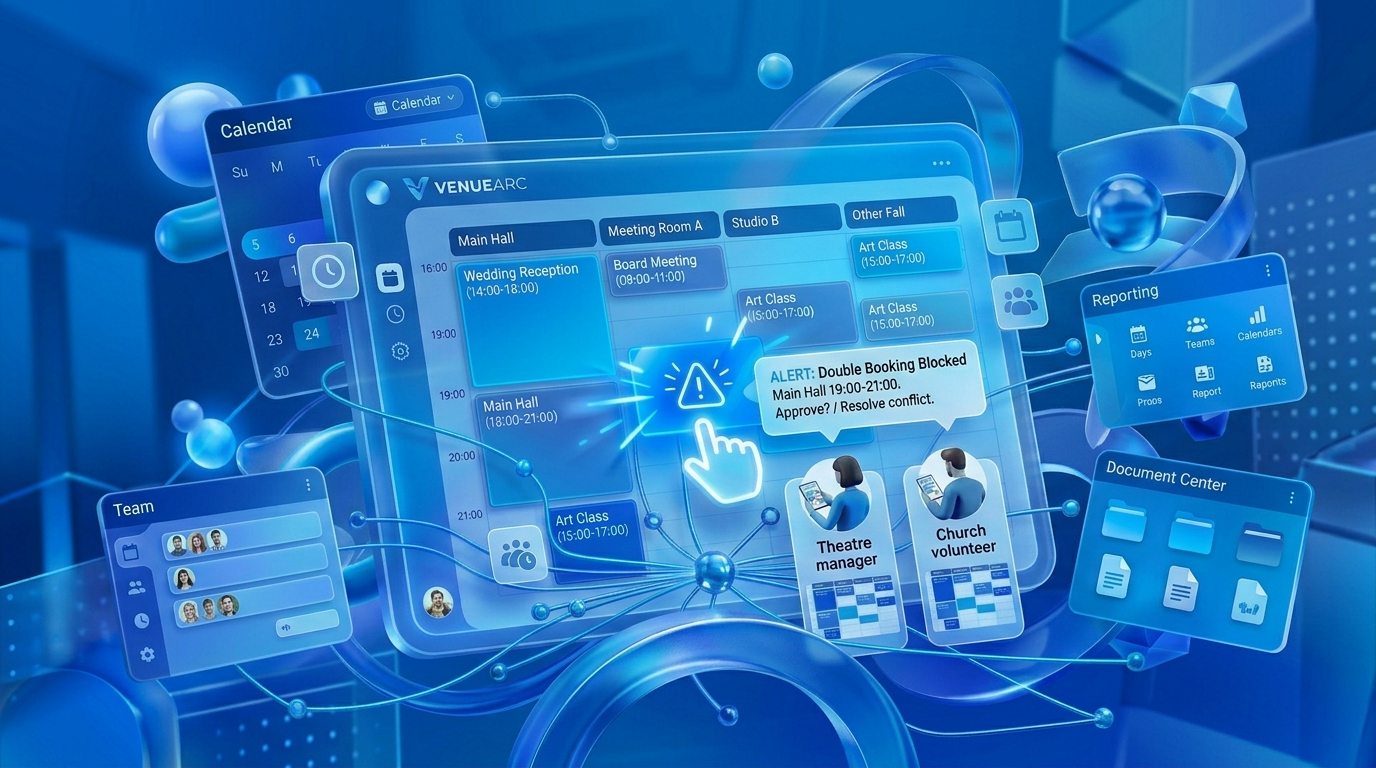
Facilities scheduling software is a booking system that manages reservations, approvals, availability, and scheduling workflows across multiple spaces for organizations such as houses of worship, community theatres, and park districts.
Unlike a basic calendar, facilities scheduling software tracks:
- Requests
- Holds
- Confirmed bookings
- Approvals
- Documents
- Event history
- Space availability
The goal is not simply to display dates. The goal is to control decisions before conflicts occur.
Why shared calendars fail as venues grow
Shared calendars work surprisingly well until operations become slightly complex.
| Capability | Shared Calendar | Facilities Scheduling Software |
|---|---|---|
| Busy / Free View | Yes | Yes |
| Approval Workflow | No | Yes |
| Booking Statuses | No | Yes |
| Hold Management | No | Yes |
| Conflict Detection | Limited | Yes |
| Audit History | Limited | Yes |
| Rental Documentation | No | Yes |
| Reporting | Limited | Yes |
Most calendars only understand two states:
- Busy
- Available
Venue operations require many more.
Why booking states matter
One of the most important concepts in venue scheduling is the difference between a request, a hold, and a confirmed booking.
Example booking workflow
| Status | Meaning |
|---|---|
| Request | Inquiry received |
| Hold | Tentatively reserved |
| Budgeted | Under review |
| Confirmed | Approved and committed |
| Cancelled | Removed from schedule |
A simple calendar cannot manage these distinctions effectively.
Need help evaluating your workflow?
If your team is comparing booking tools, the most useful next step is a workflow-specific demo based on your actual requests, holds, and approval rules.
Book a DemoThe hidden problem: turnaround and buffer time
Some double bookings are not actually double bookings. They are scheduling conflicts caused by missing transition periods.
Consider a theatre:
- Show ends at 5:00 PM
- Outside rental begins at 5:00 PM
Operational reality is different. Staff still need time for load-out, cleaning, equipment reset, and preparation.
How recurring events create scheduling chaos
Recurring events are often responsible for the most complex scheduling conflicts.
Houses of worship
- Sunday services
- Wednesday programs
- Monthly meetings
- Holiday events
Community theatres
- Weekly rehearsals
- Ongoing productions
- Volunteer training sessions
Park districts
- Seasonal leagues
- Community classes
- Recurring rentals
The challenge is not creating recurring bookings. The challenge is managing exceptions.
Who should own the calendar?
Many venues have a technology problem that is actually a governance problem.
The key question is not who updates the calendar. The key question is who has authority to commit space.
| Responsibility | Owner |
|---|---|
| Availability oversight | Facilities team |
| Event approval | Leadership |
| Contract generation | Administration |
| Payment review | Finance |
| Calendar governance | Named coordinator |
One calendar requires one source of truth.
What to do if a double booking has already happened
Step 1: Determine commitment status
Identify who was promised the space first, whether a contract was signed, whether a deposit was received, and whether approval was formally granted.
Step 2: Document everything
Gather emails, approval records, contracts, and calendar entries.
Step 3: Communicate immediately
Notify affected parties early.
Step 4: Establish a permanent fix
After the event concludes, conduct a process review and identify where information split and where workflow failed.
How facilities scheduling software prevents repeat incidents
Facilities scheduling software addresses root causes rather than symptoms.
- Centralized availability
- Conflict detection
- Approval workflows
- Booking status management
- Historical records
- Reporting and visibility
When facilities scheduling software may not be necessary
A simple spreadsheet may be sufficient if:
- One room exists
- One person controls bookings
- Fewer than ten bookings occur each month
- No approvals are required
- No rentals are managed
Beyond that threshold, complexity grows quickly.
The next decision
If your organization has experienced even one major double booking in the last year, the next step is not another spreadsheet template. The next step is reviewing how requests, approvals, holds, and confirmations move through your organization.
Start by mapping your current scheduling workflow and compare it against a dedicated booking workflow through VenueArc’s booking management capabilities.
Frequently Asked Questions
- What is the most common cause of venue double bookings?
The most common cause of double bookings is fragmented information. Availability exists in one place, approvals happen elsewhere, and booking commitments occur without complete visibility.
- Can Google Calendar prevent double bookings?
Google Calendar can prevent some conflicts, but it becomes less effective when multiple facilities, approvals, contracts, volunteers, recurring events, or rentals are involved.
- Which software supports both venue rental management and event space booking?
Venue management platforms that combine booking calendars, approvals, contracts, documents, and reporting support both event space booking and rental management operations.
- Why do recurring events cause scheduling issues?
Recurring schedules often create conflicts when exceptions are not managed properly. Holiday services, special productions, seasonal leagues, and one-time changes can override recurring reservations.
- How can a church stop double-booking rooms?
Churches reduce double bookings by centralizing scheduling, defining approval authority, separating requests from confirmed bookings, and ensuring staff and volunteers use one shared system.
Ready to simplify your venue operations?
See how VenueArc helps venue teams coordinate bookings, approvals, documents, and settlement without routine operational chaos.